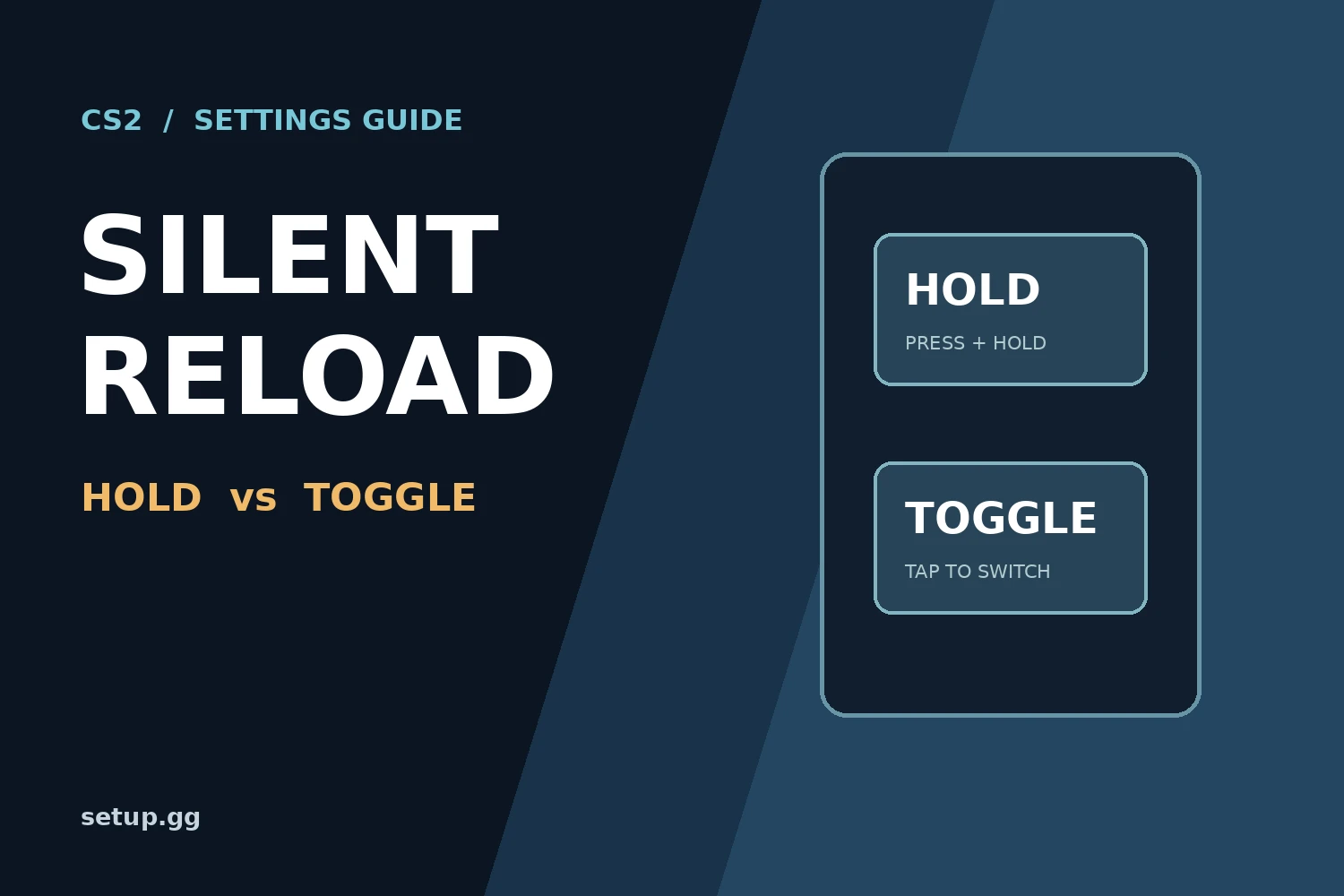
CS2 gives you a choice for Silent Reload Mode: Hold or Toggle. With Toggle selected, you can release the reload button after the silent reload starts. Tap the reload button again to cancel the silent reload and return to a fast reload, according to Valve’s October 28 update notes.
That choice is about how you control the reload, not a promise that opponents can never hear you. Valve has fixed several sound-related bugs since adding the mechanic, so practice with a teammate before treating it as a guaranteed way to hide your position.
Hold vs Toggle: which should you pick?
Toggle is worth trying if you would rather free your reload finger once the silent reload has started. You still need to remember that a second tap switches back to the fast reload. In a tense round, that extra decision matters.
Hold may suit you if you prefer an input that depends on keeping the button down. Try both options in a low-pressure session and keep the one you can use reliably. Valve’s update notes describe the Toggle behavior explicitly; they do not specify an exact button-hold duration or a universal timing advantage.
Practice the switch back to a fast reload
Choose Toggle in Silent Reload Mode, start a silent reload, then release the reload button once it begins. On a separate attempt, tap reload again after it starts to return to a fast reload. Watch the animation and your ammo counter so you can recognize the difference before trying it in a live round.
A private practice session with a friend is useful for testing what the other player hears. Have your teammate stand at a consistent position, then compare the two approaches. Do not assume every weapon or distance produces the same result; the patch notes do not provide a complete audibility table.
What Valve fixed
On October 28, Valve added the Hold/Toggle option and fixed cases where the first reload sound could be audible even when a player requested a silent reload. Earlier, on September 24, Valve fixed cases involving a slightly faster silent reload from tapping before holding, and shotguns firing faster than normal with a silent reload.
The November 23 update fixed third-person silent reload animations playing at the wrong speed. That is an animation fix in Valve’s notes; the notes do not say the update changed the reload’s gameplay timing. The option itself arrived in October, not in the November patch.
When to choose the quieter option
If you have cover and want to avoid giving away a reload sound, a silent reload can be worth considering. If an opponent might swing immediately, compare that benefit with the risk of being caught mid-reload. Your position and the information your team has matter more than blindly using one input every time.
For more setup adjustments, visit the CS2 game hub, viewmodel guide and crosshair guide linked below.
CS2 game hub · viewmodel guide · crosshair guide
Source
Valve’s Counter-Strike 2 update notes for September 24, October 28 and November 23, 2026.