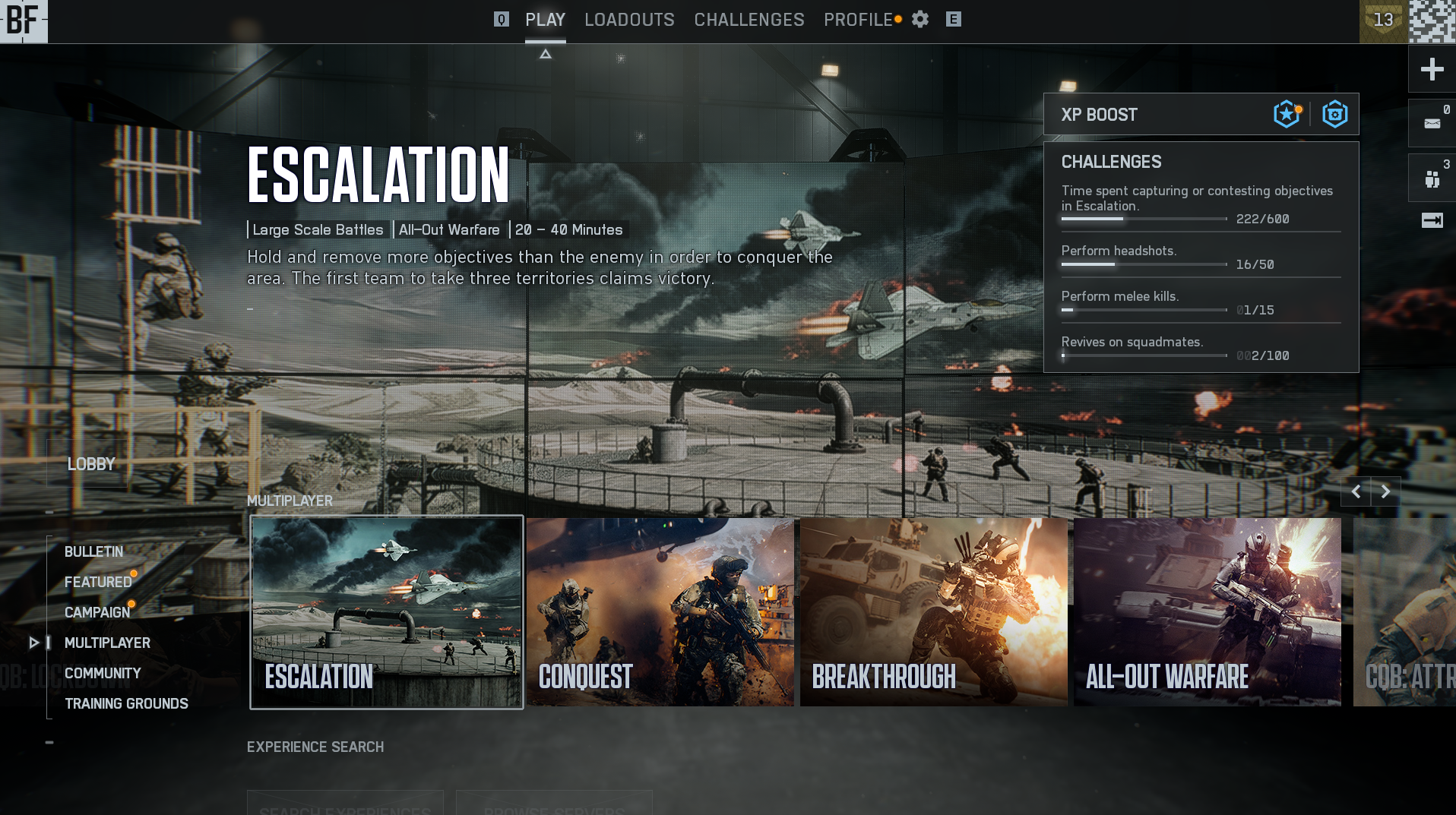
If you’ve been playing Battlefield 6 lately, you’ve probably seen it. You run into a firefight, your shots feel delayed, enemies teleport around, vehicles snap back to position, and suddenly you see that little packet loss icon blinking at the top of your screen.
Packet loss is one of the most frustrating issues in online shooters because it can make the game feel unresponsive, glitchy, or downright unplayable. Packet loss happens when data your system sends or receives gets dropped before it reaches the server or your machine.
In Battlefield 6 this shows up as delayed shots, rubberbanding, hit registration issues, and in some cases enemies appearing to teleport around the map because the server and your client lose sync with each other.
Often the first thing players blame is their internet speed, but even players with fast connections can run into packet loss if other factors are at play. Battlefield’s large player counts, frequent server load, and real time physics all demand constant information flow. When any part of that chain gets interrupted you end up with data packets that never reach their destination.
One of the most reliable first steps you can take is switching from Wi Fi to a wired Ethernet connection. Wireless signals are susceptible to interference from walls, other devices, and even microwave signals, which makes them more prone to packet loss and latency spikes.
Connecting your PC or console directly to the router with an Ethernet cable often dramatically stabilizes your connection.
Restarting your network gear is a simple but effective fix as well. Unplug your modem and router for about 30 seconds, then power them back on. This clears temporary cache or routing errors built up over time.
Players have reported noticeable improvements after a full network reset, especially after extended gaming sessions where background processes can silently interfere.
Another common tweak is to optimize your network settings. Changing your DNS servers to public ones like Google DNS (8.8.8.8 and 8.8.4.4) or Cloudflare DNS (1.1.1.1) can improve how quickly your system finds and communicates with Battlefield 6’s servers.
Some players also find enabling QoS or traffic prioritization on their router helps ensure gaming packets are handled first, reducing packet loss when multiple devices are active.
For PC players, packet loss can sometimes be tied to hardware settings. Enabling XMP or DOCP memory profiles in your motherboard BIOS can help with system stability under heavy load, and players report this can reduce spikes that mimic network packet issues.
It is also worth updating your network driver, motherboard firmware, and router firmware to the latest versions to avoid known bugs and routing problems.
If you are still struggling despite these steps, another option is trying community servers. Many players have noted that official EA servers can get overloaded or exhibit worse packet behavior compared to independent servers.
Community servers sometimes run smoother and maintain more stable packet flow, even at similar ping levels to official servers. Finally, simple network housekeeping can make a difference.
Close any background apps that might be consuming bandwidth, pause cloud backups or downloads, and make sure other devices on your network are not streaming or downloading while you play. These background processes compete with Battlefield 6’s data packets and can contribute directly to packet loss or jitter.
Packet loss is a persistent issue for online games in general, but especially for fast paced shooters like Battlefield 6. By prioritizing a stable connection, reducing interference, and optimizing both network and PC settings, you can cut down on these interruptions and enjoy smoother matches.
Recommended Gear for Battlefield 6
Looking to upgrade your setup before launch? Here are some of the best controllers and accessories we recommend for FPS players:
Xbox Elite Series 2 — Top-tier customization and pro-level performance.
Sony PS5 DualSense Edge — Adaptive triggers and haptics built for immersive play.
Microsoft Xbox Core Wireless — A reliable and affordable official option.
Scuf Envision Pro — Designed with competitive FPS gamers in mind.
GameSir G7 — Great value choice for budget-conscious players.
This article contains affiliate links, every click helps support us — Thanks