VALORANT Patch 12.11 went live on June 9, 2026, and Riot describes it as “a light little patch” to close Act 3. There are no sweeping weapon or agent balance changes in the notes, so this is not the kind of update that forces every player to rebuild their sens or crosshair from scratch.
It is still a useful checkpoint. If you are grinding ranked, playing Premier, or watching Masters London setups, use 12.11 as a clean moment to recheck the settings that actually affect consistency: DPI, in-game sensitivity, scoped multipliers, crosshair visibility, video clarity, and input latency.
What changed in VALORANT Patch 12.11?
Riot’s official VALORANT Patch Notes 12.11 call out three practical areas: the My VALORANT Card site going live, bug fixes, and Premier changes. Riot also says this is the last patch of Act 3, with Act 4 coming in two weeks.
For settings hunters, the important part is what didn’t change. With no major agent or gun balance swing in the notes, the best move is not chasing a new “patch meta sens.” The better move is locking in stable settings before the next act starts.
1. Recheck sensitivity before changing anything
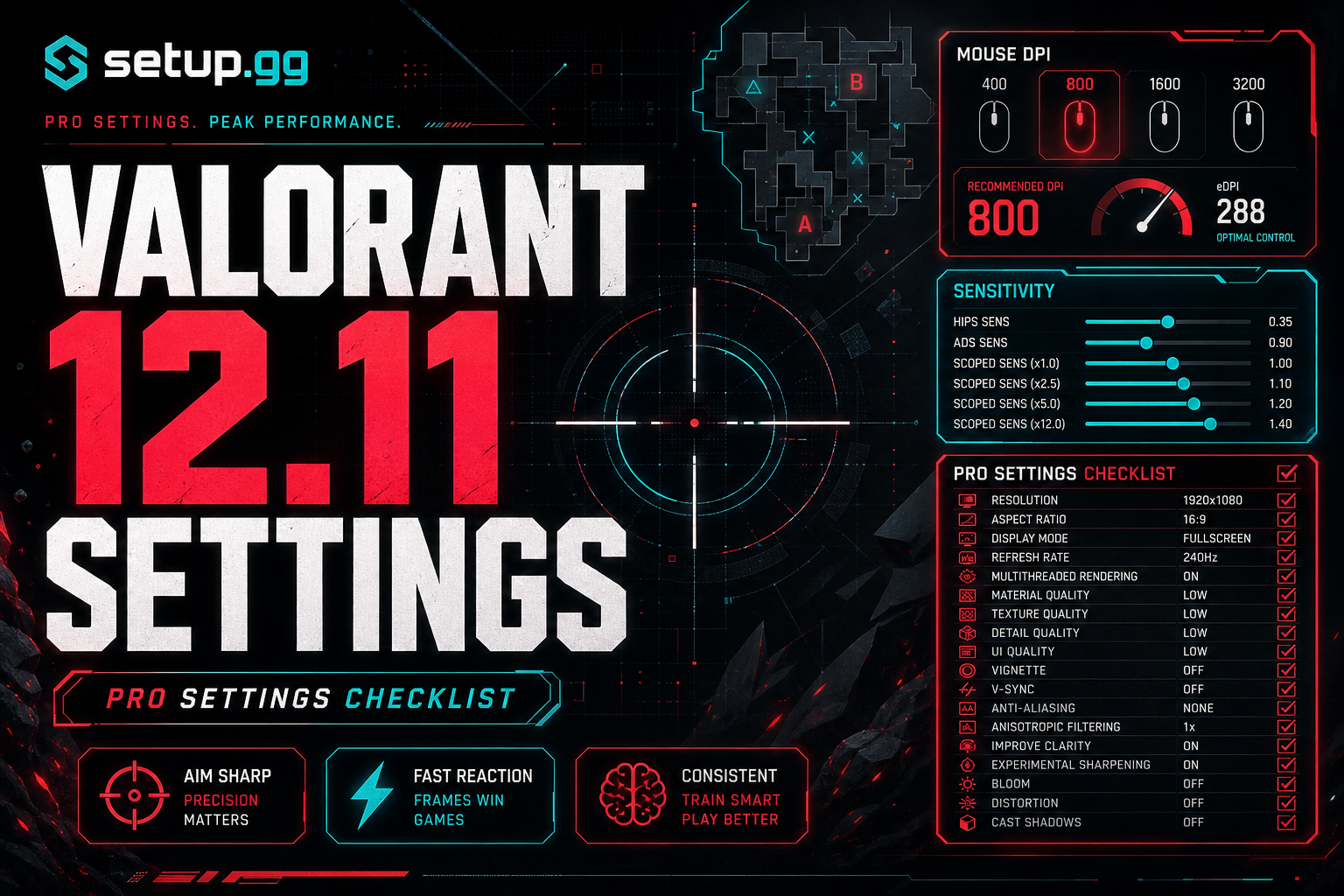
Start with your mouse numbers. Keep your DPI and VALORANT sensitivity paired, then sanity-check your eDPI before you copy a pro. A small sens change can feel harmless in the range and still wreck your first-bullet accuracy in real games.
If you want pro examples, compare current setup.gg player pages like CHICHOO’s VALORANT setup, aspas’ setup, and something’s setup. Then use the setup.gg eDPI calculator to convert the numbers instead of guessing.
2. Keep your crosshair readable, not flashy
Patch 12.11 is a good time to clean up crosshair experiments. The priority is simple: your crosshair should stay visible on bright maps, not hide heads at long range, and not distract you during spray resets.
If you copy a pro crosshair, treat it as a starting point. A player’s monitor, resolution, color settings, and outline preference all change how that crosshair feels on your screen.
3. Check video settings for clarity and latency
For competitive VALORANT, clean frames usually beat pretty frames. Recheck fullscreen mode, refresh rate, NVIDIA Reflex or equivalent latency settings, multithreaded rendering, and any graphics options that add visual clutter.
Do this after driver updates too. A patch may not change your graphics menu, but a driver reset or Windows display change can quietly put you back on the wrong refresh rate.
4. Premier players should verify the boring stuff
Because Riot specifically mentions Premier changes in 12.11, Premier teams should use this week to verify match-day basics: comms device, push-to-talk bind, minimap zoom, enemy highlight color, and screenshot/export backups for crosshair codes.
None of that is exciting, but it is the difference between playing your setup and troubleshooting your setup five minutes before queue.
Quick 12.11 settings checklist
- Confirm mouse DPI, polling rate, and in-game sensitivity.
- Calculate eDPI before copying a pro setup.
- Recheck scoped and ADS sensitivity multipliers.
- Test crosshair visibility on multiple maps.
- Confirm fullscreen mode and monitor refresh rate.
- Keep latency-focused video settings consistent.
- Back up crosshair codes and keybinds before Act 4.
Source note: Patch details come from Riot Games’ official VALORANT Patch Notes 12.11. setup.gg will keep refreshing VALORANT player profiles and settings pages as reliable 2026 sources confirm gear, crosshair, and sensitivity changes.